
Cheating During Testing Community Resources
How to follow creators and fan spaces without getting phished.
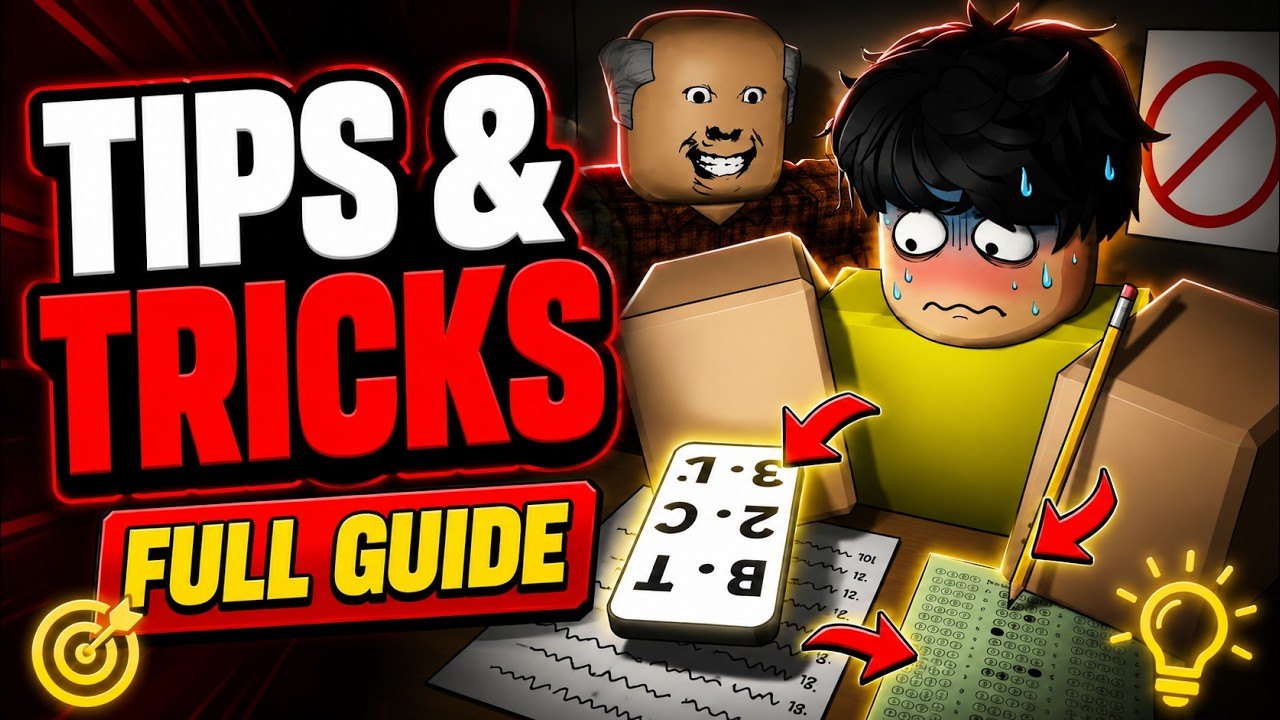
Fan communities accelerate learning for Cheating During Testing — and they attract scammers. This page teaches evaluation habits rather than dumping brittle invite links that rot weekly.
High-signal community types
- Guide creators who show full exam VODs (examples embedded across our Guides)
- Update trackers who screenshot Shop after patches
- Discussion threads that compare Anxiety tech
Cross-check claims against Official Links and our Latest Update.
Red flags
- Nitro gift or Robux giveaway forms
- “Free code generator” websites
- Executors bundled with unknown stealer EXEs
- Discords asking you to DM passwords or backup codes
Scripts research belongs on Scripts Hub with eyes open — never on a stranger’s Google Drive.
How this wiki uses community intel
We watch creator footage to build tutorials like Phone Trick and Snitching. We do not republish unverified codes. We do not host malware mirrors.
Suggested follow loop
- Play via official Roblox link.
- Read one guide hub article.
- Watch one embedded video mid-article.
- Discuss with friends you already trust.
- Return to Codes Hub only for verified strings.
Parent
Links Hub. For spend talk, use Credits Planner instead of random “best buy” rumors.
Healthy communities share timings and Shop screenshots — not login steals.
Creator monetization awareness
Some creators gate scripts behind ads. That is their business model; it is also a malware vector when ads inject junk. Separate entertainment value from executable trust.
Language communities
French, German, Spanish, and Portuguese-BR players can use this wiki’s localized homes. Community Discords may be English-first — ask before assuming moderation language.
Leaving bad spaces
If a server normalizes doxxing or account trading, exit. Your Credits are not worth that social cost.
Closing community filter
Prefer creator posts and in-game Update Log over random codes servers. When community tips conflict with Guides Hub, test once in a low-stakes lobby before rewriting your routine.
Healthy community habits
Prefer clips that show the full HUD, including Anxiety and teacher facing. Distrust silent GUIs that only show ESP. Ask for place ID confirmation before trusting a “private server” invite — VIP is not offered on the official settings snapshot.
Using community tips with the wiki
Test one change per exam. If a creator claims Glasses are mandatory, compare against Gadgets Tier List and your own death log. Community energy is great; unverified absolute rules are not.
Filtering creators
Trust creators who show failures, not only perfects. Trust creators who name Anxiety and Version A/B. Distrust silent ESP showcases with no disclaimer. When a community tip contradicts Phone Trick, run a controlled test instead of rewriting your whole loadout mid-session.
Reporting scams
If a community space pushes stealers, leave and warn friends with the official URL from Official Links. This wiki will not amplify shady invite links.
Clip quality checklist
A useful community clip shows seat choice, Anxiety bar, teacher head, and phone timing. A weak clip only shows a funny caught screen. Learn from the former. Laugh at the latter without rewriting your build.
Coordinating with friends
Agree on report rules before the exam starts. Random snitch wars destroy everyone’s grades. Voice-call head directions if you play as a duo — that habit beats most paid gadgets for awareness.
Returning to fundamentals
When community meta feels noisy, reset with Phone Trick and Avoid Getting Caught. Trends change weekly; meters do not.
When a viral short claims a new secret mechanic, open a private notebook and test it for one exam only. Record Anxiety, seat, and phone tier. Community wisdom becomes personal data only after that experiment finishes.
Frequently Asked Questions
Quick answers to the most common classroom questions.
Do you have an official Discord?
This wiki does not run an official Discord. Evaluate fan invites carefully.
Can I trust TikTok codes?
Only after in-game redemption works and our hub lists them.
Are YouTube scripts safe?
Often not. Read How to Execute Scripts risks.
How do I help the wiki?
Report factual drift by comparing Update Log to our Updates pages when you notice mismatches.