
Cheating During Testing Exam Timing Checklist
A repeatable pre-Join and mid-exam checklist so safe windows stop getting wasted.
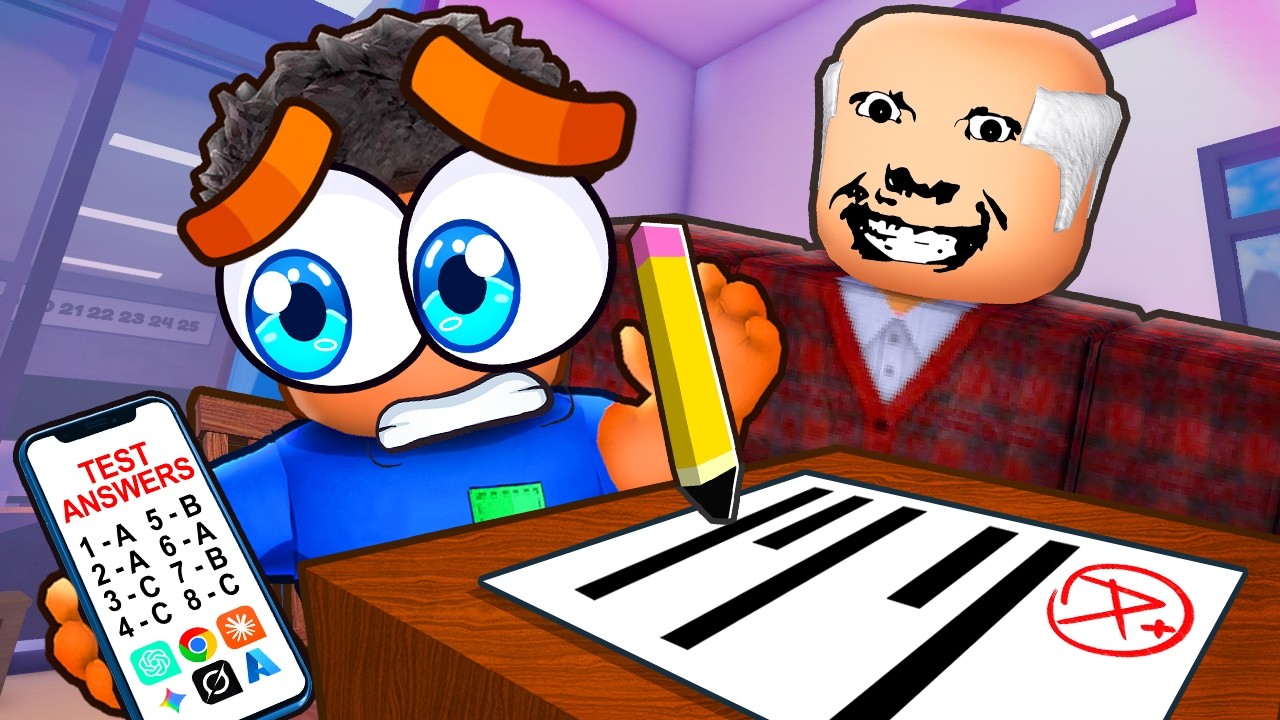
Use this timing checklist before every Cheating During Testing Join click. It compresses Safe Windows, Controls, and Phone Trick into a ritual you can actually remember under pressure.
Pre-Join checklist
- Roblox Shift Lock is off
- Camera sensitivity raised for short peeks
- Skimmed lobby Update Log for patch surprises
- Know whether you are grinding Credits or chasing 100%
- Seat plan ready (corner / back edge) via Seat Strategy
- Credit spend plan ready via Credits Planner if Shop is the goal
First-minute checklist
- Sit, face forward, open answer sheet
- Confirm sheet Version A/B on your desk
- Mark every bubble A before touching the phone
- Watch for the teacher entry window (~5s)
- Take the first photo only if gaze is safe
Mid-exam checklist
- Phone out only during head-away, block, punish (~3s), or targeting windows
- Use Pause Loading if the teacher spins mid-scan
- Copy listed answers only; never overwrite skipped As
- Holster before chatting, emoting, or snitch drama
- Face forward / pencil when Anxiety climbs
End-of-exam checklist
- No greed peeks during grading stares
- Accept a high grade over a caught “almost 100%”
- Note which window type you wasted
- Spend Credits using Loadout Priority rules
Mid-article gameplay clip below is a pacing reference — compare your holster timing to the footage.
How to use this tool in parties
Assign one friend to call “entry / punish / holster” while others execute. Public lobbies: mute chaos and run the checklist silently.
Linking failures to fixes
| Symptom | Open next |
|---|---|
| Caught during photo | Safe Windows |
| Prompt fumbles | Controls |
| Slow scans | Phone Trick + Phone Tiers |
| Meter spikes | Anxiety and Hunger |
| Reports ending runs | Snitching |
Weekly review
Once a week, replay one exam with this checklist printed or pinned. Rank your worst missed box. Improvement compounds faster than random Shop purchases.
BETA note
If Update Log changes prompt names or window lengths, edit your personal copy of this ritual and re-check Latest Updates.
Parent hub
More interactive planning pages live under Tools Hub. Strategy depth remains in Guides.
Checklists feel basic until you skip one box and watch a perfect run die. Run it cold every time.
Printable mindset
You do not need a printer — screenshot this section or keep the tab pinned. The point is external memory so panic cannot delete steps.
Speed-run variant
When you only have one exam before bed: Shift Lock off, all-A, entry photo, two punish dumps, holster, done. Skip Shop until tomorrow.
Closing line
Timing is a checklist sport wearing a classroom skin. Tick the boxes; then chase style.
Why checklists beat memory in this game
Cheating During Testing punishes multitasking. Chat, snitches, and teacher motion compete for attention, so external steps keep your hands honest. Teams that shout the checklist aloud waste fewer entry windows than teams that “just know.”
Mapping checklist boxes to wiki pages
Shift Lock and sensitivity map to Getting Started. Version letters and Pause Loading map to Controls. Entry and punish timing map to Safe Windows. Holster discipline maps to Avoid Getting Caught. Spend decisions map to Loadout Priority.
After-action review template
Write three lines after each session: window wasted, prompt fumbled, purchase delayed. Review the list before the next Join. That tiny journal outperforms another random YouTube short.
Closing discipline
If you skip the checklist once and succeed, do not retire it. Variance hides bad habits until a snitch or grading stare arrives.
Frequently Asked Questions
Quick answers to the most common classroom questions.
Is this an in-game tool?
No — it is a wiki checklist you run beside the client.
What is the most skipped box?
Usually Shift Lock off or Version A/B confirmation.
Can parties share the checklist?
Yes. Use callouts for entry/punish/holster.
Where do I go after the checklist?
Drill Safe Windows or spend via Loadout Priority.