
Cheating During Testing Mobile and Touch Classroom
Same teacher, same Anxiety — smaller flicks and longer pencil time on a phone screen.
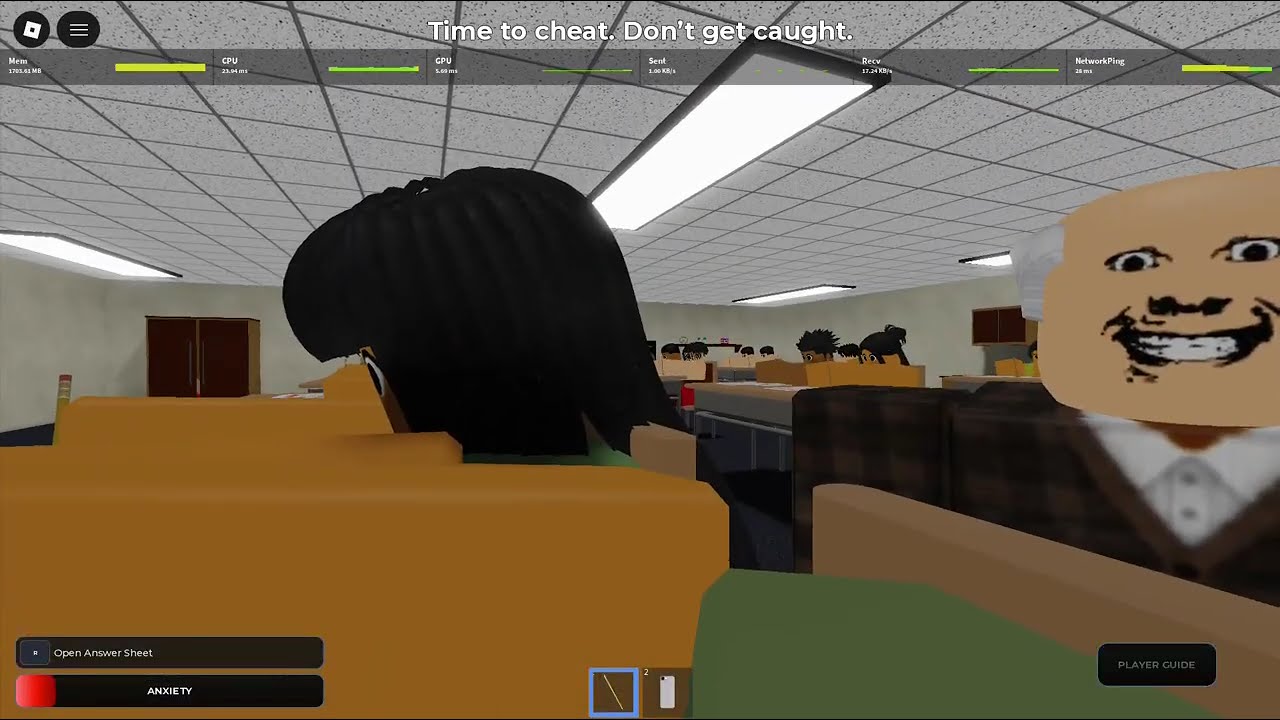
Cheating During Testing is the same Roblox experience on a phone as on a mouse. Anxiety, Hunger, Version A/B sheets, and the all-A phone filter do not change. What changes is camera control. Touch overshoots. Thumbs cover the sheet. This page is the mobile translation of Getting Started and Controls.
Settings on a phone
Turn Shift Lock off in Roblox settings before Join if it is fighting your drags. Raise camera sensitivity so a short swipe finds the teacher’s head and returns to the desk. Low sensitivity on a 6-inch screen is a slow pan, and a slow pan is a 100% Anxiety stare. If the UI feels tiny, use Roblox’s alignment options so the Join / Shop / Update Log buttons are not under your palm.
You still open Update Log, Shop, Report Bug, and Support from the same lobby. Shop prices are the same Credit table on Shop Items. Codes are still empty — Codes.
Touch-specific loop
- Claim a corner even harder than PC players. You cannot flick as cleanly. Classroom Map.
- Face forward. Open the sheet. Prefill A with the fewest camera moves possible.
- Swipe to the teacher, swipe back. If the swipe was long, write with the pencil trick before you try again.
- Photograph only when the head is away. Holster the instant the camera starts to swing back.
- Do not pinch-zoom mid-cheat. Zoom is a panic tell and a lost window.
The Phone Trick is identical: skipped numbers stay A. Neighbors still have the wrong version until proven otherwise — Test Versions.
Thumbs, UI, and Pause Loading
Pause Loading exists so you can freeze a scan when a thumb slip starts a turn. Use it. Then write. Do not keep dragging. Mobile catches look like “I was just adjusting.” The teacher does not care.
Keep one thumb free of the jump button. Accidental movement during a photo is a caught screen — Getting Caught.
Performance
Drop graphics if the teacher stutters. A pretty classroom that hitch-skips a head turn is a fail. Headphones help you hear punish shouts so you can steal the ~3 second window without a visual search. That is still Safe Windows math.
Scripts on mobile executors
Community posts mention Delta and similar mobile executors next to CM Hub. Ban and malware risk is worse on a phone you actually use. If the device holds your main Roblox, play clean. How to Execute is documentation, not a recommendation for your daily driver.
Credits and shop on a small screen
Mis-taps buy Credit packs. Confirm currency. Robux Shop exists because those buttons sit beside gadgets. Farm with grades first — How to Get Credits.
Party on mobile
Voice chat plus a phone in your real hand plus an in-game phone is how people forget to holster. Mute during holds. Public servers, no VIP. Party and Trust.
Practice set
Three mobile exams: survive, then pass, then spend. Do not chase Ultimate Cheater on day one with touch input. When holster timing matches your PC friends, layer Ultimate Cheater windows.
Mobile is not a different game. It is the same stealth test with a worse camera. Sit in a corner, write more, peek less.
Frequently Asked Questions
Quick answers to the most common classroom questions.
Does Cheating During Testing work on mobile Roblox?
Yes. Same meters, same phone filter, same 24-player public rooms. Camera flicks are the hard part.
Should I use Shift Lock on a phone?
Usually no. It fights quick desk-to-room swipes. See Controls.
Best seat on mobile?
Corner or back table so you peek less. Classroom Map.
Are mobile scripts safer?
No. Modified clients risk the account on the device you carry. Prefer Phone Trick skill.